Avatar of Aland Johnson

Aland Johnson

Founder & Editor-in-Chief

Company / Organization

Workflow Tipster

Experience / Skills

Workflow automation patterns, integration design, webhook/API troubleshooting, data mapping and normalization, document generation and e-sign flows, operational checklists and playbooks for popular software.

Connect

About Aland Johnson

Aland Johnson is an Automation & RevOps Consultant and Technical Writer, and he serves as the Founder & Editor-in-Chief of Workflow Tipster (workflowtipster.top)—a resource for bite-sized workflow tips, tool guidance, and troubleshooting solutions for popular software used by modern teams. From 2008 to 2012, Aland developed his foundation in information systems and workplace productivity tools, focusing on how businesses operationalize data across CRM, project management, customer support, and marketing platforms. During this period, he began documenting repeatable processes, building simple integrations, and learning the practical constraints that shape automation outcomes—such as inconsistent field formats, user permissions, and data quality issues. In 2013, Aland moved into hands-on operational support roles where reliability and speed mattered daily. He supported teams working across cloud-based tools, addressing recurring problems like login failures, permission mismatches, missing required fields, and data sync inconsistencies. Between 2014 and 2016, he expanded into cross-application workflow design, connecting systems through APIs and webhooks and establishing a structured troubleshooting method: reproduce the failure, isolate the failing hop, validate credentials and scopes, inspect payload shape, confirm rate-limit behavior, and implement safe retries with logging. From 2017 to 2019, Aland specialized further in RevOps enablement—helping organizations map business requirements into automation-ready schemas and governance. This phase emphasized durable system design: clear ownership of fields and objects, consistent naming conventions, deduplication strategies, and measurable KPIs. In 2019, he earned the Salesforce Certified Administrator credential, reinforcing his expertise in CRM configuration, permissioning, reporting, and operational controls that keep automations stable as teams and pipelines evolve. In 2020, Aland broadened his marketing operations skill set by completing the HubSpot Marketing Software Certification, deepening his work in lifecycle stages, attribution, segmentation, and automated communications—areas where subtle property mapping and timing rules often cause downstream failures. Between 2021 and 2022, he concentrated on integration resilience at scale: reducing duplicates, adding idempotency safeguards, standardizing payload validation, and creating runbooks for incident response when webhooks fail or third-party APIs degrade. In 2023, Aland earned the Zapier Certified Expert credential and continued refining advanced automation patterns across multi-step workflows, conditional routing, and cross-tool data normalization. That same year, he formalized his editorial approach: every guide must be reproducible, version-aware, and supported by verification steps so readers can confirm success rather than “guess and hope.” Since 2024, Aland has been building Workflow Tipster as a practical knowledge base for operators, founders, and teams who need quick, reliable answers. His content emphasizes clarity and measurability—short, actionable tips when speed matters, and deeper troubleshooting playbooks when reliability is the priority. Aland’s guiding standard remains consistent: state the goal, show the exact steps, surface common failure modes, and include a prevention checklist so the workflow stays healthy after the fix.

Latest posts by Aland Johnson

Fix Smartsheet Webhook HTTP 500 Internal Server Error: Troubleshooting Steps for Admins & Developers

Fix Smartsheet Webhook HTTP 500 Internal Server Error: Troubleshooting Steps for Admins & Developers

Fix Smartsheet Webhook 404 Not Found: Troubleshooting Guide for Developers & IT Teams (Not Found vs Found Endpoints)

Fix Smartsheet Webhook 404 Not Found: Troubleshooting Guide for Developers & IT Teams (Not Found vs Found Endpoints)

Fix 403 Forbidden (Access Denied) in Smartsheet Webhooks for Developers: OAuth Scopes, Sheet Permissions & Callback URL Verification

Fix 403 Forbidden (Access Denied) in Smartsheet Webhooks for Developers: OAuth Scopes, Sheet Permissions & Callback URL Verification

Fix Smartsheet Webhook 401 Unauthorized: Step-by-Step Troubleshooting for Developers (Authorized vs Unauthorized)

Fix Smartsheet Webhook 401 Unauthorized: Step-by-Step Troubleshooting for Developers (Authorized vs Unauthorized)

Fix Smartsheet Webhook 400 Bad Request for Developers (Bad Request → Valid Request)

Fix Smartsheet Webhook 400 Bad Request for Developers (Bad Request → Valid Request)

Fix Smartsheet Triggers Not Firing: Get Workflows Firing Again (Troubleshooting Guide for Sheet Owners & Admins)

Fix Smartsheet Triggers Not Firing: Get Workflows Firing Again (Troubleshooting Guide for Sheet Owners & Admins)

Fix Smartsheet Time Zone Mismatch: Troubleshooting Guide for Teams & Admins (Restore Time Zone Alignment)

Fix Smartsheet Time Zone Mismatch: Troubleshooting Guide for Teams & Admins (Restore Time Zone Alignment)

Fix & Speed Up Smartsheet Task Delays: Queue Backlog Troubleshooting for Admins (Automation Lag → Near Real-Time)

Fix & Speed Up Smartsheet Task Delays: Queue Backlog Troubleshooting for Admins (Automation Lag → Near Real-Time)

Fix “Permission Denied” (Access Granted) in Smartsheet: Step-by-Step Troubleshooting for Sheet Owners & Admins

Fix “Permission Denied” (Access Granted) in Smartsheet: Step-by-Step Troubleshooting for Sheet Owners & Admins

Fix Smartsheet API Pagination Missing Records: Troubleshooting “Missing vs Complete” Results for Developers & Integrators

Fix Smartsheet API Pagination Missing Records: Troubleshooting “Missing vs Complete” Results for Developers & Integrators

Fix Smartsheet OAuth Token Expired Errors: Troubleshoot Active vs Expired Tokens for Developers & Admins

Fix Smartsheet OAuth Token Expired Errors: Troubleshoot Active vs Expired Tokens for Developers & Admins

Fix Smartsheet Missing Fields & Empty Payload in Make: Troubleshooting Guide for Scenario Builders (Blank vs Mapped Data)

Fix Smartsheet Missing Fields & Empty Payload in Make: Troubleshooting Guide for Scenario Builders (Blank vs Mapped Data)

Fix Invalid JSON Payload (Parse Error) in Smartsheet API/Bridge: Troubleshooting Checklist for Developers & Automation Builders

Fix Invalid JSON Payload (Parse Error) in Smartsheet API/Bridge: Troubleshooting Checklist for Developers & Automation Builders

Fix Smartsheet Field Mapping Failed: Troubleshoot Data Shuttle & Connector Mapping Errors for Admins (Failed → Fixed)

Fix Smartsheet Field Mapping Failed: Troubleshoot Data Shuttle & Connector Mapping Errors for Admins (Failed → Fixed)

Fix Duplicate (Redundant) Records Created in Smartsheet: Troubleshooting Guide for Sheet Owners & Admins

Fix Duplicate (Redundant) Records Created in Smartsheet: Troubleshooting Guide for Sheet Owners & Admins

Fix Smartsheet Data Formatting Errors: Troubleshoot Date, Number & Currency Issues for Sheet Admins (Debug Guide)

Fix Smartsheet Data Formatting Errors: Troubleshoot Date, Number & Currency Issues for Sheet Admins (Debug Guide)

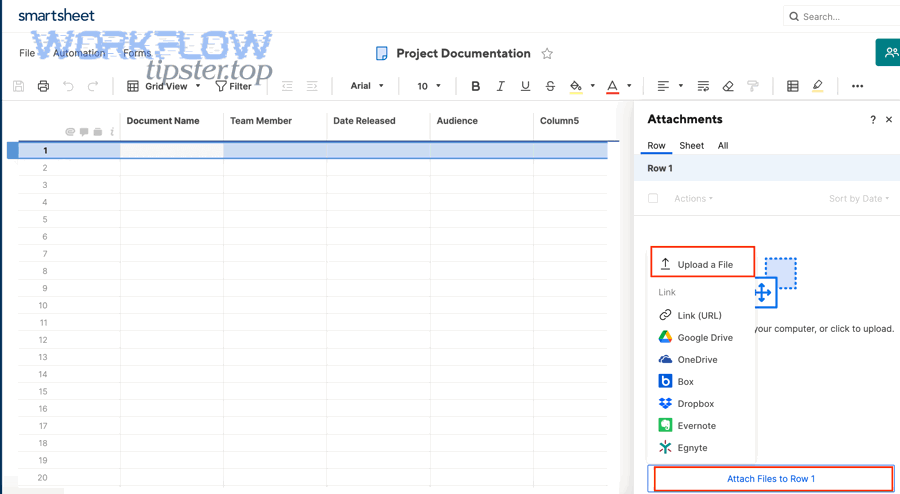
Fix Smartsheet Attachments Missing or Upload Failed: Troubleshooting for Teams (Missing vs Available Files)

Fix Smartsheet Attachments Missing or Upload Failed: Troubleshooting for Teams (Missing vs Available Files)

Fix Smartsheet API “Limit Exceeded” (429 Too Many Requests / 4003): Troubleshooting Guide for Developers & Integrators

Fix Smartsheet API “Limit Exceeded” (429 Too Many Requests / 4003): Troubleshooting Guide for Developers & Integrators

Connect & Sync Airtable to Xero for Finance Teams — No-Code Integration Guide to Automate Invoices & Contacts

Connect & Sync Airtable to Xero for Finance Teams — No-Code Integration Guide to Automate Invoices & Contacts

Sync Airtable to WordPress Content for Site Owners — Posts, Pages & Custom Post Types (Plugin Integration Guide)

Sync Airtable to WordPress Content for Site Owners — Posts, Pages & Custom Post Types (Plugin Integration Guide)

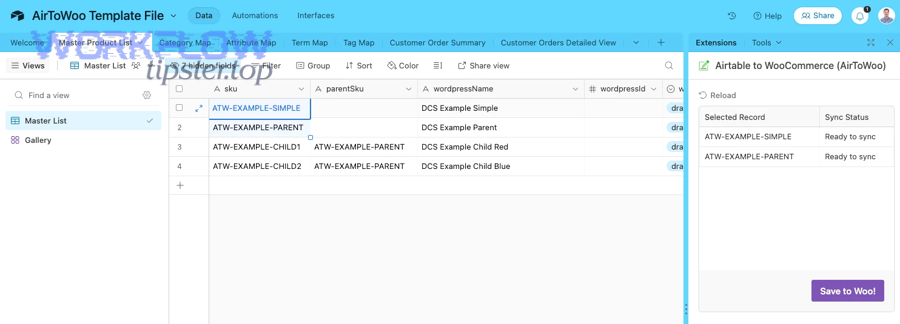
Integrate Airtable with WooCommerce to Sync Products, Orders & Inventory for Store Owners (Automation Guide)

Integrate Airtable with WooCommerce to Sync Products, Orders & Inventory for Store Owners (Automation Guide)

Sync Airtable to Webflow CMS for No-Code Teams: Step-by-Step Integration Guide (One-Way vs Two-Way)

Sync Airtable to Webflow CMS for No-Code Teams: Step-by-Step Integration Guide (One-Way vs Two-Way)

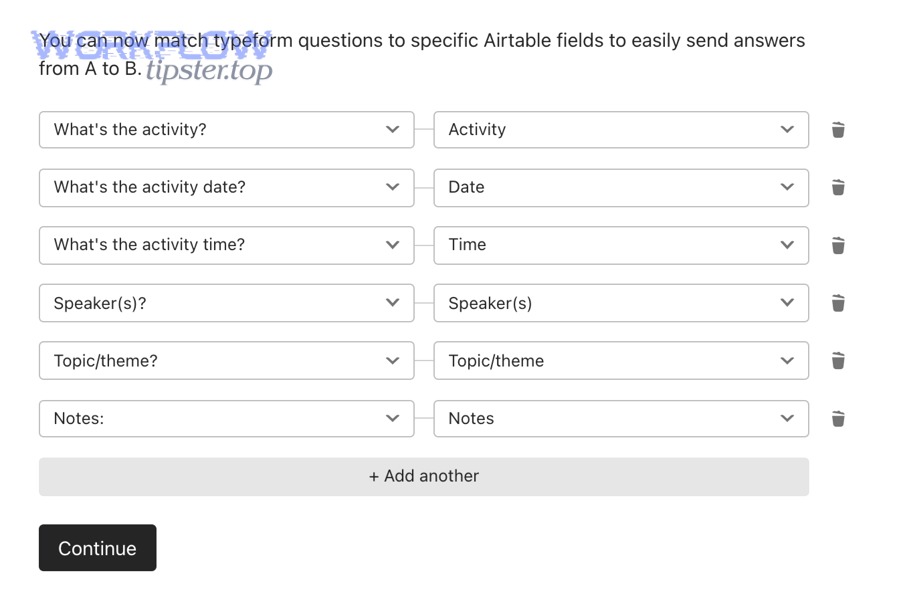
Connect Airtable to Typeform for Teams: Step-by-Step Integration Guide (Native vs Zapier/Make)

Connect Airtable to Typeform for Teams: Step-by-Step Integration Guide (Native vs Zapier/Make)

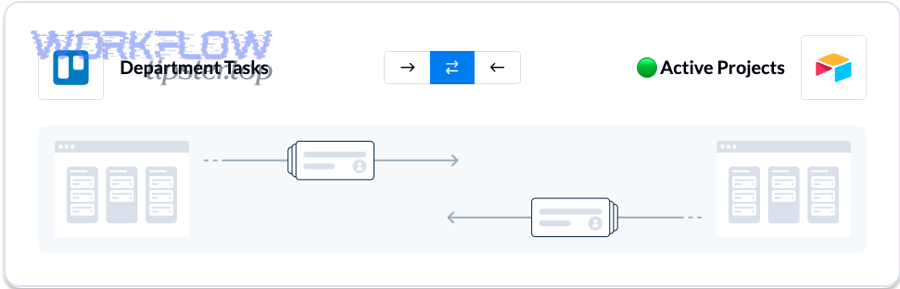
Sync (Connect) Airtable to Trello for Teams: How to Automate Card Creation + Two-Way Updates

Sync (Connect) Airtable to Trello for Teams: How to Automate Card Creation + Two-Way Updates

Sync Airtable to Toggl Track for Teams: Automate Time-Entry Tracking (One-Way vs Two-Way)

Sync Airtable to Toggl Track for Teams: Automate Time-Entry Tracking (One-Way vs Two-Way)

Integrate (Automate) Airtable to Todoist for Teams: Create Tasks from New Airtable Records (No-Code)

Integrate (Automate) Airtable to Todoist for Teams: Create Tasks from New Airtable Records (No-Code)

Automate Airtable to SurveyMonkey Integration for Teams: Survey Response Sync vs Manual Export

Automate Airtable to SurveyMonkey Integration for Teams: Survey Response Sync vs Manual Export

Connect (Integrate) Airtable to Stripe for No-Code Teams: Automate Payments, Customers & Subscriptions

Connect (Integrate) Airtable to Stripe for No-Code Teams: Automate Payments, Customers & Subscriptions

Sync Airtable to Smartsheet: No-Code Integration Guide for Operations & Project Teams (Sync vs Integrate)

Sync Airtable to Smartsheet: No-Code Integration Guide for Operations & Project Teams (Sync vs Integrate)

Automate Airtable to Slack for Teams: Send Message & Actionable Message Alerts (Integration Guide)

Automate Airtable to Slack for Teams: Send Message & Actionable Message Alerts (Integration Guide)

Sync & Integrate Airtable to Shopify for Store Owners: Two-Way Product, Inventory, and Order Updates

Sync & Integrate Airtable to Shopify for Store Owners: Two-Way Product, Inventory, and Order Updates

Connect Airtable to ServiceNow for Automated ITSM Workflows: No-Code Integration (Sync) Guide for ServiceNow Admins

Connect Airtable to ServiceNow for Automated ITSM Workflows: No-Code Integration (Sync) Guide for ServiceNow Admins

Integrate Airtable to Sentry for DevOps Teams: Connect & Sync Error Tracking (Integration vs Manual Logging)

Integrate Airtable to Sentry for DevOps Teams: Connect & Sync Error Tracking (Integration vs Manual Logging)

Integrate (Connect) Airtable to SendGrid: Step-by-Step Email Automation Guide for Marketers & Ops Teams

Integrate (Connect) Airtable to SendGrid: Step-by-Step Email Automation Guide for Marketers & Ops Teams

Sync Airtable to Salesforce CRM for Sales Ops Teams: Step-by-Step Integration Guide (Airtable-to-CRM)

Sync Airtable to Salesforce CRM for Sales Ops Teams: Step-by-Step Integration Guide (Airtable-to-CRM)

Sync Airtable to QuickBooks Online for Bookkeepers: No-Code Setup to Automate Invoices & Customers

Sync Airtable to QuickBooks Online for Bookkeepers: No-Code Setup to Automate Invoices & Customers

Sync Airtable to Pipedrive: No-Code CRM Integration Guide for Sales Teams (Integrate = Sync)

Sync Airtable to Pipedrive: No-Code CRM Integration Guide for Sales Teams (Integrate = Sync)

Connect Airtable to PayPal for Small Businesses: Sync Payments via Webhooks (vs Manual Tracking)

Connect Airtable to PayPal for Small Businesses: Sync Payments via Webhooks (vs Manual Tracking)

Automate Proposal Workflows: Integrate (Sync) Airtable to PandaDoc for Sales Teams

Automate Proposal Workflows: Integrate (Sync) Airtable to PandaDoc for Sales Teams

Connect & Automate Airtable to PagerDuty for On-Call Teams (Triggers & Actions Guide)

Connect & Automate Airtable to PagerDuty for On-Call Teams (Triggers & Actions Guide)

Sync Airtable to Outlook (Microsoft 365) Calendar for Teams: iCal Export, Native Sync & Automation Workflows

Sync Airtable to Outlook (Microsoft 365) Calendar for Teams: iCal Export, Native Sync & Automation Workflows

Connect Airtable to Outlook for Operations Teams: Sync vs Automation vs API (Integration Guide)

Connect Airtable to Outlook for Operations Teams: Sync vs Automation vs API (Integration Guide)

Sync (Connect) Airtable to OneDrive for No-Code Teams: Integration Setup Guide

Sync (Connect) Airtable to OneDrive for No-Code Teams: Integration Setup Guide

Sync (Integrate) Airtable to Notion for Teams: No-Code & API Setup Guide (1-Way vs 2-Way)

Sync (Integrate) Airtable to Notion for Teams: No-Code & API Setup Guide (1-Way vs 2-Way)

Automate DOCX (Microsoft Word) Document Generation from Airtable Records: Template Workflow Guide for No-Code Teams

Automate DOCX (Microsoft Word) Document Generation from Airtable Records: Template Workflow Guide for No-Code Teams