Fix n8n Workflow & Webhook Issues Fast for Automation Builders (Fix vs Prevent)
If your n8n workflows are failing, you can usually fix them faster by following a repeatable triage loop: confirm the failure point, capture the execution context, reproduce with a minimal input, then apply one targeted change at a time.
Next, you’ll learn how to diagnose why triggers don’t start, why webhooks return specific HTTP errors, and why data sometimes arrives but doesn’t map correctly—so you can restore the automation without guessing.
Then, you’ll see practical fix patterns for performance problems (slow runs, timeouts, queue backlog) and for reliability problems (duplicate records, pagination gaps, formatting errors) that keep recurring across real-world integrations.
Introduce a new idea: the fastest “fix” is often a small prevention step—so after you resolve today’s issue, you’ll set up monitoring and guardrails that reduce the next incident.
What is n8n troubleshooting, and why do workflows fail?
n8n troubleshooting is the structured process of diagnosing why an automation execution, trigger, or node fails—by inspecting the execution trail, inputs/outputs, credentials, and runtime constraints—so you can restore correct data flow with minimal changes.
To begin, treat every failure as one of four buckets: trigger never started, request was rejected, data didn’t match expectations, or runtime couldn’t finish. Those four buckets map cleanly to what you can observe in n8n: execution status, node error message, HTTP response details, and performance metrics/logs.
What are the core parts of an n8n execution you need to inspect?
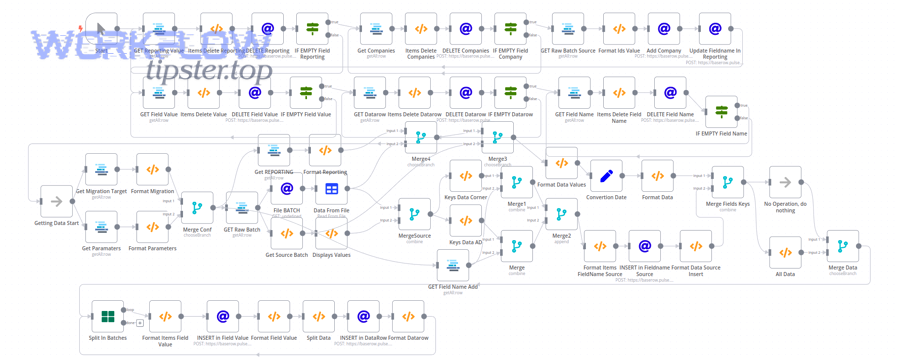
An n8n execution is easiest to debug when you break it into parts : trigger event → node inputs → node configuration → node outputs → downstream transformations → final side effects.
Specifically, focus on these inspection points:
- Where the execution stopped: the last node that ran successfully vs. the node that threw the error (this tells you whether the problem is upstream input, node config, or downstream expectations).
- The exact payload the failing node received (headers/body for HTTP, JSON structure for app nodes, binary for file nodes).
- The credential context (which credential is attached, whether it’s OAuth vs API key, and whether scopes/permissions match the operation).
- The environment (test vs production webhooks, cloud vs self-hosted, reverse proxy, network allowlists).
- The runtime constraint (timeouts, memory, concurrency, rate limits).
What logs and execution data should you capture first?
Capture evidence in a fixed order so you don’t lose context:
- Execution ID + timestamp + workflow version (so you can correlate logs and changes).
- Failing node name + exact error message.
- Input sample (one real payload that reproduces the failure).
- HTTP response details when applicable (status code, response body, headers).
- Credential type (OAuth2 vs API key) and the identity it represents.
If you’re using n8n’s built-in error tooling, you can investigate by reviewing executions, loading data from previous executions, and enabling log streaming.
How do you troubleshoot an n8n trigger not firing?
You troubleshoot an n8n trigger not firing by validating activation state, trigger prerequisites (webhook URL/event subscription or polling config), credential permissions, and “test vs production” behavior—then confirming the external system actually sent an event.
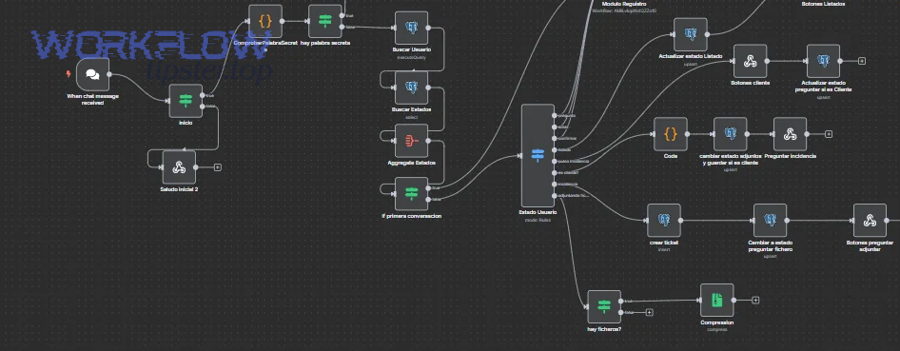
Then, work from outside → inside: prove the external service is sending events, prove n8n can receive them, then prove the workflow is activated and allowed to execute.
Is the workflow actually activated and eligible to run automatically?
Yes, this sounds basic—but it’s the most common hidden cause.
- Confirm the workflow is Active (not just saved).
- Confirm the trigger type supports the way you’re testing (some triggers won’t fire on manual runs; they require a real external event).
- If you recently edited the trigger, re-check required fields (event type, resource, subscription settings).
Are you using the correct webhook URL: Test URL vs Production URL?
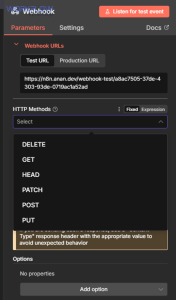
If you’re using the Webhook node, you must match the environment you’re calling.
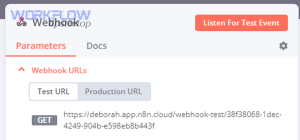
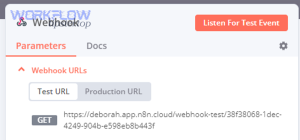
n8n provides a Test URL (for editor testing) and a Production URL (for activated workflows). Calling the wrong one is a classic reason for “it works in test but not in production” (or the opposite).
Is the external service sending the event you think it is?
Treat this as a verification checklist:
- In the external app, confirm the webhook subscription exists and points to the correct URL.
- Check the external app’s delivery logs (many apps show last delivery status and error response).
- Send a known-good sample payload (or trigger a real event) and watch for a new execution.
If you’re self-hosted, also confirm:
- Your n8n instance is reachable publicly (or via a tunnel) at the exact URL you gave the external service.
- Reverse proxy headers and TLS termination are correct (bad proxy config often causes “trigger not firing” symptoms).
Which webhook errors (400, 401, 403, 404, 429, 500) happen most often in n8n, and what do they mean?
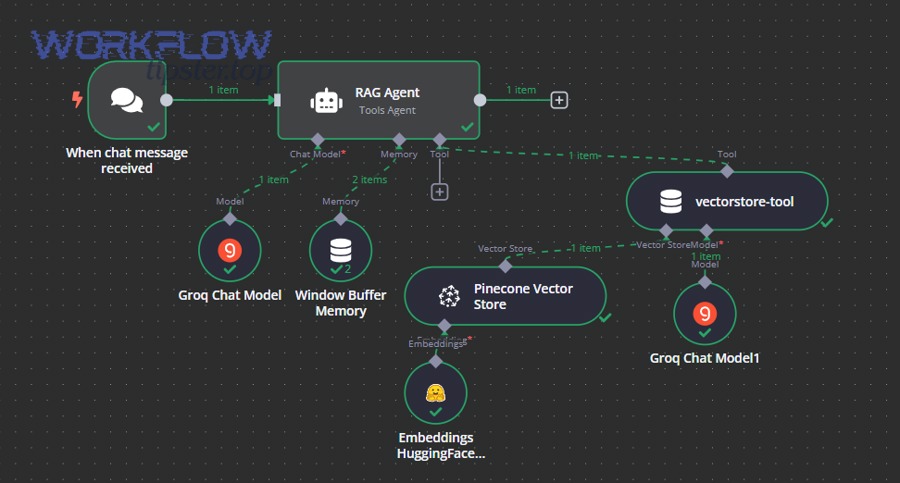
There are 6 common webhook error families in n8n—400, 401, 403, 404, 429, and 500—and each one points to a different layer (payload, authentication, authorization, routing, rate limits, or server/runtime failure).
Below is a quick reference table showing what each code usually means in webhook-driven automations and what to check first.
The table below summarizes the most common webhook HTTP status codes and the first troubleshooting checks to run for each.
| HTTP status | What it usually means | Most likely cause in automations | First checks to run |
|---|---|---|---|
| 400 | Bad request | Invalid body, wrong content-type, schema mismatch | Validate JSON/body, required fields, headers |
| 401 | Unauthorized | Missing/invalid auth | Check auth method, tokens, signatures |
| 403 | Forbidden | Auth OK, but permission denied | Scopes/roles/IP allowlist/CSRF rules |
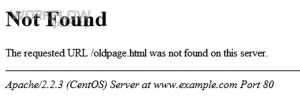
| 404 | Not found | Wrong URL/path | Test vs prod URL mismatch, proxy path rewrite |
| 429 | Too many requests | Rate limit hit | Backoff, batching, reduce concurrency |
| 500 | Server error | Unhandled exception or runtime failure | Inspect execution error details, memory/timeouts |
Meanwhile, use the code to decide what not to do: for example, retrying a 400 endlessly is wasted effort; fixing the payload is the correct move.
How do you fix n8n webhook 400 bad request and n8n invalid json payload?
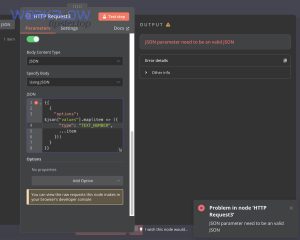
You fix n8n webhook 400 bad request by making the request body match what the workflow expects (valid JSON, correct content-type, required fields present), and by testing with a single minimal payload that reproduces the failure.
Next, apply this checklist:
- Set
Content-Type: application/jsonwhen sending JSON. - Validate the JSON with a linter (one missing quote can trigger n8n invalid json payload symptoms).
- If your workflow expects nested objects, send the exact structure (don’t “flatten” keys unless your parsing logic supports it).
Also watch for size limits: the Webhook node enforces a maximum payload size (for example, 16MB by default), so large attachments can fail at the request layer.
If you’re seeing n8n missing fields empty payload, it’s often one of these:
- The sender is not sending a body at all (common with misconfigured webhooks).
- The sender sends form-encoded data, but you parse as JSON.
- A reverse proxy strips the body (rare, but happens with certain proxy configs).
How do you fix n8n webhook 401 unauthorized and n8n oauth token expired?
You fix n8n webhook 401 unauthorized by correcting authentication (API key, signature, Basic Auth, OAuth2 token) and ensuring tokens haven’t expired or been revoked.
Then, isolate which auth pattern you’re using:
- API key headers: confirm correct header name and value.
- HMAC/signature: confirm the secret matches and the raw body used for signature calculation is unchanged.
- OAuth2: if you see n8n oauth token expired, re-auth the credential and confirm refresh tokens/scopes are still valid (many providers revoke refresh tokens on password resets, admin policy changes, or app reauthorization).
How do you fix n8n webhook 403 forbidden and n8n permission denied?
You fix n8n webhook 403 forbidden by resolving authorization—not authentication—meaning the caller is identified, but not allowed to do what it’s trying to do.
Next, check these “permission denied” causes:
- The external service restricts calls by IP or region (allowlist mismatch).
- The token has insufficient scope/role (read-only token trying to write).
- A proxy/WAF blocks the request due to missing headers or suspicious patterns.
If your symptom is n8n permission denied, don’t just rotate keys—verify scopes and policies on the provider side.
How do you fix n8n webhook 404 not found?
You fix n8n webhook 404 not found by correcting the endpoint URL (path, base URL, environment) and ensuring your reverse proxy routes requests to n8n without path rewriting errors.
Then, validate these:
- You used the Production URL for active workflows, not the test-only URL.
- Your proxy doesn’t strip
/webhook/paths. - The workflow is active and the webhook path matches exactly (case sensitivity can matter depending on proxy).
How do you fix n8n webhook 429 rate limit and n8n api limit exceeded?
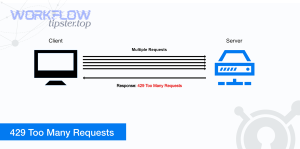
You fix n8n webhook 429 rate limit (and related n8n api limit exceeded) by reducing request bursts and adding backoff/batching so your automation respects provider quotas.
Next, pick one or more tactics:
- Backoff: retry with exponential delays (and stop after a reasonable cap).
- Batching: send fewer calls with more data per call.
- Concurrency control: reduce parallel runs or add queueing to smooth spikes.
- Caching/dedup: avoid calling the same endpoint repeatedly for unchanged data.
How do you fix n8n webhook 500 server error?
You fix n8n webhook 500 server error by locating the failing node/operation inside the workflow and addressing the underlying exception (bad config, unhandled data type, memory/timeout, or downstream service crash).
Next, decide whether the 500 is coming from:
- n8n runtime (your instance threw an error): inspect execution details, logs, memory/timeouts.
- Downstream API (the service you call returned 500): implement retries + circuit breakers and reduce load.
You can speed up diagnosis by reviewing executions and enabling log streaming when you need deeper runtime detail.
How can you fix n8n data issues like field mapping failed, duplicate records created, and data formatting errors?
You fix n8n data failures by validating the payload shape at every boundary, enforcing a stable mapping contract, and adding explicit deduplication and formatting steps before writing to external systems.
In addition, stop treating “data” as an amorphous blob: treat it like a schema with constraints.
How do you resolve n8n field mapping failed?
You resolve n8n field mapping failed by verifying the JSON path you map from actually exists for every incoming item, and by normalizing optional fields before mapping.
Then apply these patterns:
- Guardrails: if a field is optional, set a default value (empty string,
null, or a fallback) before the node that requires it. - Pin a known-good sample (or load a prior execution) so you can edit mappings against real data rather than guesses.
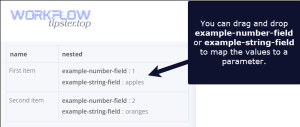
- Normalize arrays vs objects: many mapping failures come from receiving an array where you expected a single object (or vice versa).
How do you resolve n8n data formatting errors?
You resolve n8n data formatting errors by standardizing types , date/time formats, and locale-dependent values before they reach strict destination fields.
Then target the usual culprits:
- Dates: convert to ISO 8601 and ensure you’re not mixing local time with UTC (this connects directly to n8n timezone mismatch problems).
- Numbers: remove currency symbols and thousands separators before numeric fields.
- Booleans: normalize
true/falsevs"yes"/"no"vs1/0depending on the destination API.
How do you stop n8n duplicate records created?
You stop n8n duplicate records created by enforcing an idempotency rule: every “create” must have a deterministic key, and every run must check whether that key already exists before inserting.
Next, choose a dedup strategy:
- Upsert when available (preferred): update-or-create by unique key.
- Lookup-then-create: search destination by unique key; only create if not found.
- Store a processed-event key (especially for webhooks): keep a small “seen IDs” store so repeated deliveries don’t create duplicates.
How do you troubleshoot n8n timeouts and slow runs, and when is it a queue backlog?
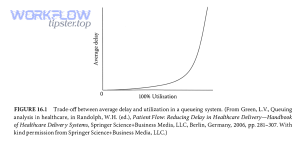
You troubleshoot n8n timeouts and slow runs by identifying whether the bottleneck is upstream API latency, heavy transformations, large payloads, or worker capacity—and you confirm queue backlog by checking whether executions wait before they start work.
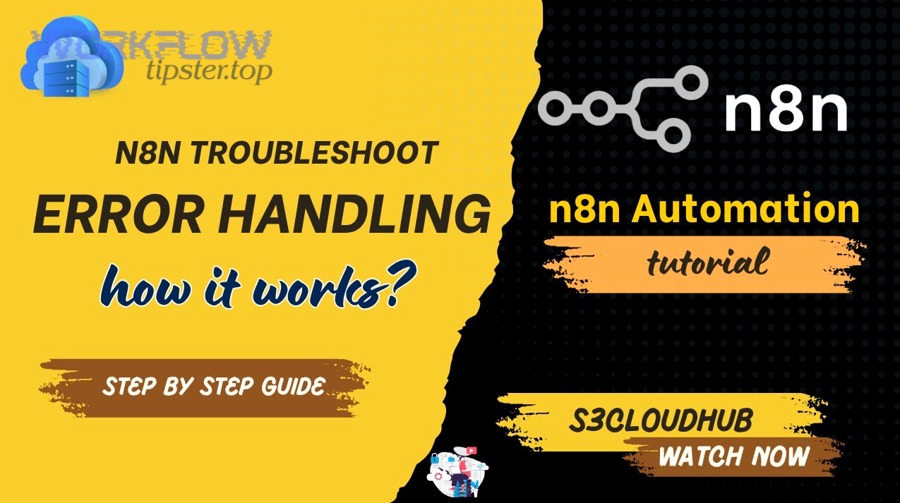
More specifically, the fix depends on whether you’re CPU-bound, I/O-bound, or capacity-bound.
What’s the difference between n8n timeouts and slow runs?
n8n timeouts and slow runs are related but not identical:
- Slow run: the workflow completes, but takes too long.
- Timeout: a node or the workflow exceeds a configured time limit and fails.
Then identify which category you’re in:
- If node durations are long and consistent: you’re likely dealing with an external API or heavy processing.
- If durations spike unpredictably: you may be hitting rate limits, intermittent API slowness, or shared infrastructure limits.
When do n8n tasks delayed queue backlog symptoms appear?
n8n tasks delayed queue backlog usually appears when many executions compete for limited workers/concurrency, causing new runs to wait before doing meaningful work.
Next, reduce backlog with:
- Lower inbound trigger rate (batch events, debounce triggers).
- Reduce per-execution workload (move heavy steps to sub-workflows, cache results).
- Increase capacity (more workers or higher concurrency—if your deployment supports it).
How do you handle n8n pagination missing records?
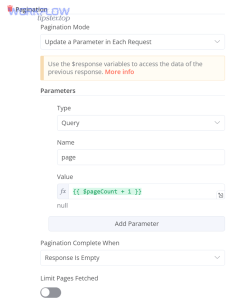
You fix n8n pagination missing records by making pagination explicit and verifiable: track page cursors, confirm termination conditions, and validate totals.
Then apply these safeguards:
- Log the cursor/page number for each request.
- Validate record counts (expected vs received) when the API provides a total.
- Never assume “page 1 only” is enough—many APIs default to small limits.
How do you resolve n8n timezone mismatch?
You fix n8n timezone mismatch by selecting one canonical time standard (usually UTC) across trigger input, transformations, and destination writes—then converting only at the user-facing boundary.
Next, do a “timezone audit”:
- Identify where timestamps originate (source app timezone).
- Identify where you transform them (code/mapping nodes).
- Identify where you store them (destination app expectations).
Should you build an error workflow in n8n for ongoing monitoring?
Yes—building an error workflow in n8n is one of the highest-leverage reliability moves because it centralizes failure alerts, captures error context automatically, and shortens time-to-diagnosis by making failures observable across all workflows.
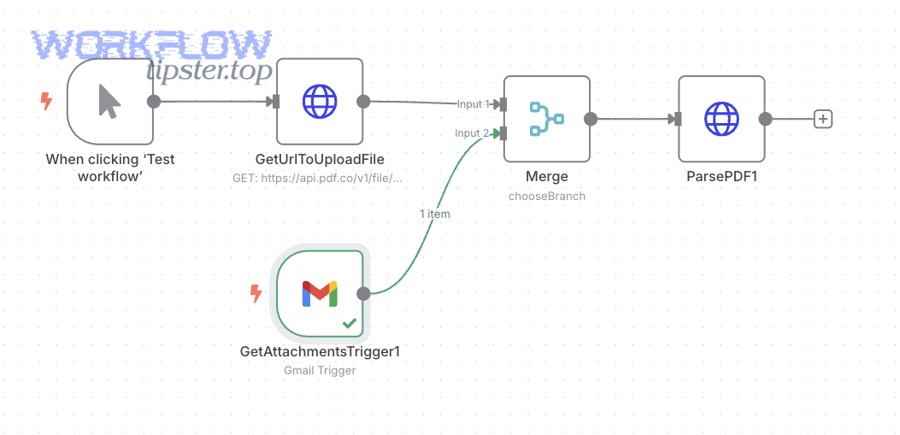
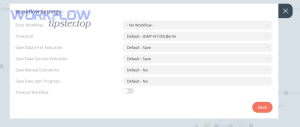
More importantly, n8n supports a dedicated error workflow pattern: you can set an error workflow per workflow, and it runs when an execution fails; the error workflow must start with an Error Trigger node.
How do you create an error workflow that captures the right context?
Create one reusable “Error Handler” workflow that:
- Starts with Error Trigger
- Sends a message (Slack/email/etc.) that includes:
- workflow name
- execution URL (when available)
- failing node
- error message + stack
- key identifiers (record ID, event ID, customer ID)
n8n’s docs describe both setting an error workflow and the shape of default error data the Error Trigger receives.
How do you intentionally surface failures using Stop And Error?
Use Stop And Error to fail fast when your own validation detects a bad state (missing required fields, invalid schema, impossible business rule). That turns silent data corruption into a visible, alertable failure.
Evidence (if any)
According to a study by the University of Cambridge from the Judge Business School, in 2019, over 600 million hours per year were spent debugging code in North America, equating to $61 billion in salary costs alone.
How can you prevent n8n troubleshooting from happening again?
You prevent repeat n8n troubleshooting by adding guardrails (validation + idempotency), resilience patterns (rate-limit aware retries + backoff), and learning loops (postmortems + runbooks) so the same class of failure becomes less likely over time.
In addition, prevention is not “more complexity”—it’s usually a few small defaults applied consistently.
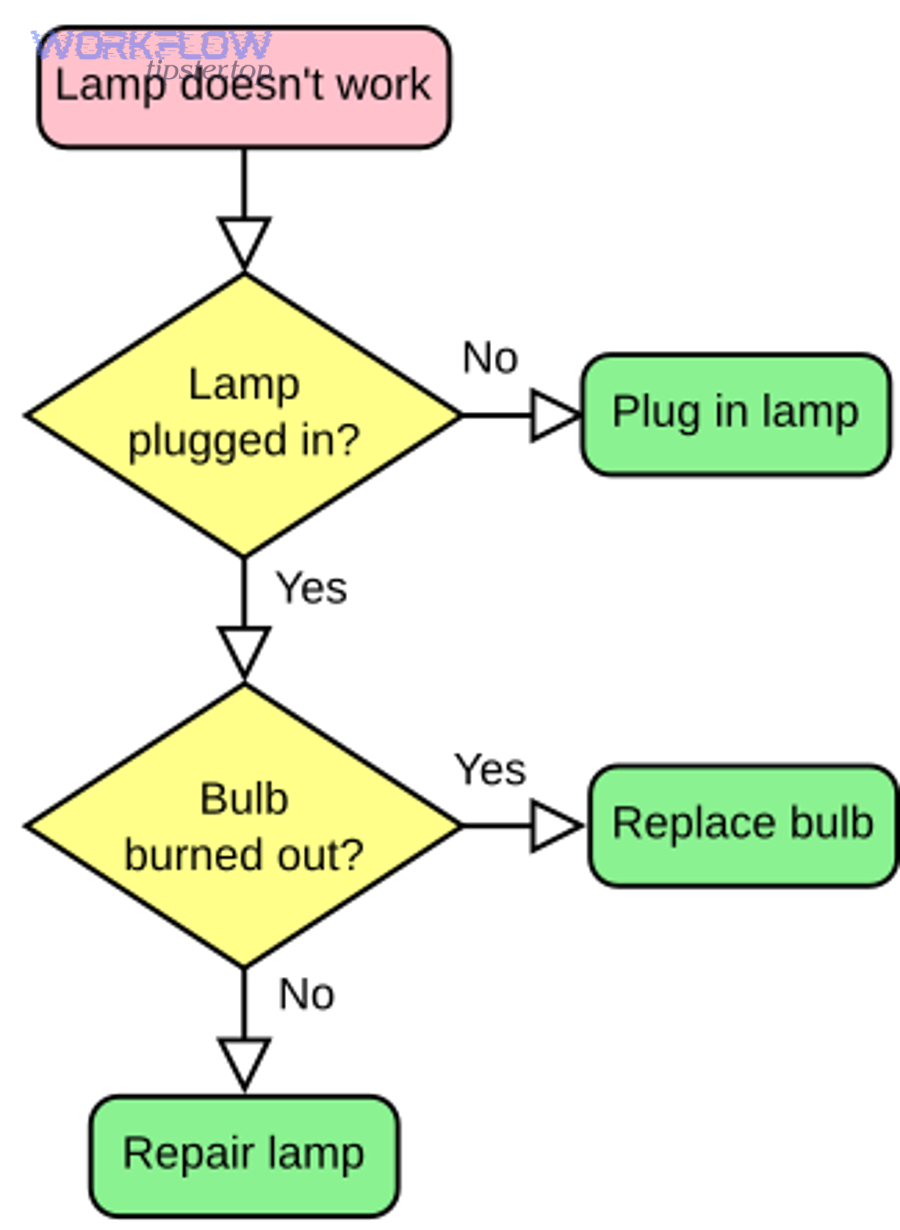
How do you design retries and backoff so you don’t amplify rate limits?
Use retries only for retryable failures (typically network errors, 429s, some 5xx), and add exponential backoff with jitter so you don’t create thundering herds.
This directly reduces repeat incidents tied to n8n webhook 429 rate limit and n8n api limit exceeded patterns.
How do you prevent auth and permission failures from recurring?
Prevent recurring n8n webhook 401 unauthorized, n8n oauth token expired, and n8n webhook 403 forbidden by standardizing credential lifecycle:
- Assign credential ownership (who renews/re-auths).
- Track required scopes per integration.
- Rotate keys on a schedule (where possible).
- Add a “credential health check” workflow that calls a lightweight endpoint and alerts before production failures.
How do you prevent payload and mapping surprises?
Prevent n8n invalid json payload, n8n missing fields empty payload, and n8n field mapping failed by adding a schema gate:
- Validate required fields early.
- Normalize optional fields to defaults.
- Version your payload shape when upstream systems change.
For file flows, reduce attachment-related breakage by implementing explicit binary handling and size constraints (this helps with n8n attachments missing upload failed situations).
How do postmortems reduce repeat outages in automation systems?
Postmortems reduce repeat outages by turning “one-off fixes” into tracked actions: root cause, contributing factors, and prevention tasks that actually get completed.
According to a study by Google from the Site Reliability Engineering Workbook (published in 2018), a blameless postmortem culture results in more reliable systems, and well-written postmortems can help prevent repeat outages by driving organizational change.
If you want a practical starting point, keep a lightweight “automation incident template” and link it in your team docs (and if you maintain public-facing guidance, you can centralize your internal runbook patterns alongside curated examples on WorkflowTipster.top).