


You can connect ClickUp to Bitbucket and automate the “dev work → task visibility” loop by linking repositories to the right ClickUp Space and using predictable linking patterns (like task IDs) so commits, branches, and pull requests attach to tasks without manual copy-paste. (help.clickup.com)
Next, the smartest setup depends on how much automation you actually need: some teams only want basic linking and visibility, while others want multi-step workflows (status changes, notifications, approvals) that may be better handled through an automation platform instead of only a native connection.
Then, the biggest make-or-break detail is what gets linked and what gets updated: linking dev artifacts (commit/branch/PR) is one job, but syncing fields (status, assignee, due date, tags) is a different job that requires clear rules to avoid noise, duplicates, or “automation loops.”
Introduce a new idea: if your integration ever feels messy, it’s usually not a tool problem—it’s a workflow design problem—so the rest of this guide shows you how to set up the connection, verify it with a test PR, and keep it automated without creating chaos.
Can you connect ClickUp to Bitbucket to automate task updates?
Yes—ClickUp to Bitbucket integration can automate task updates because it creates traceable links (commits/branches/PRs), reduces manual context switching, and standardizes collaboration across dev and PM workflows. (help.clickup.com)
To better understand why that “Yes” matters, it helps to separate automation that adds clarity from automation that adds noise—and build from the safest wins first.
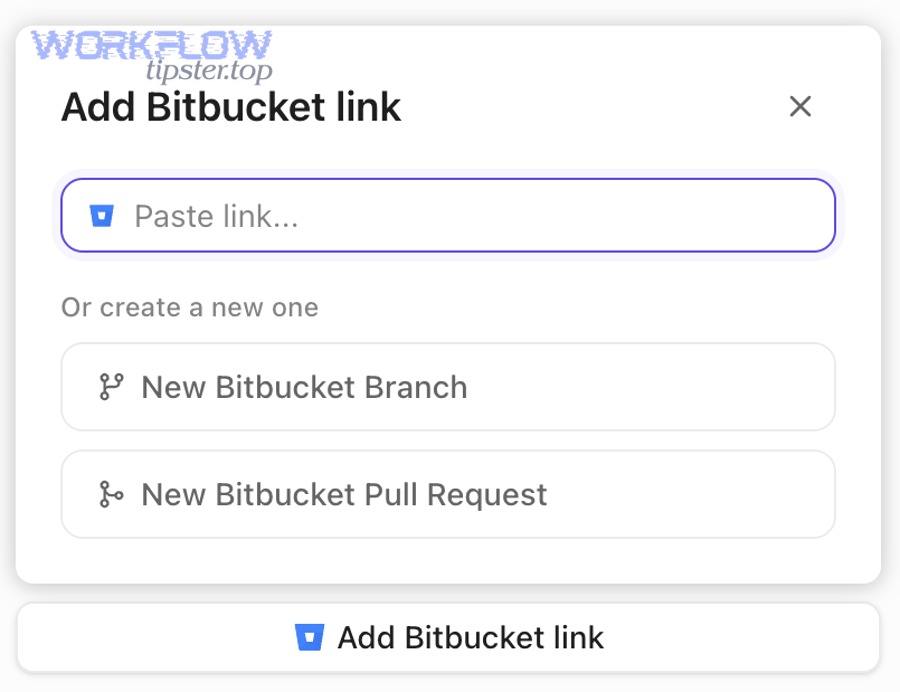
Does the integration automatically link commits, branches, and pull requests to ClickUp tasks?
Yes—when a ClickUp Space is connected to a Bitbucket repository, tasks in that Space can be linked with commits, branches, and pull requests, which is the core “no manual linking” benefit. (help.clickup.com)
Specifically, ClickUp’s model is Space-centric: you connect a repo to a Space, and tasks in that Space are eligible to receive Bitbucket links. This matters because many “it doesn’t show up” problems come from connecting the repo to the wrong Space (or the Space that doesn’t contain the task you’re expecting).
To illustrate how dev teams usually experience this in practice, here’s what automatic linking often looks like:
- A developer creates a branch or PR that references the ClickUp task.
- Bitbucket records the commit(s) and PR activity in that repo.
- ClickUp displays the linked dev artifacts inside the task, creating a single place to see both “work planned” and “work shipped.” (help.clickup.com)
The practical outcome is less time spent hunting for “where is this at?” updates, and more time spent progressing work.
Do you need to use task IDs in branch names or commit messages for reliable linking?
Yes—using ClickUp task IDs (in branch names, PR titles, or commit messages) is one of the most reliable ways to ensure the correct task gets linked consistently, especially across multiple repos and teams.
Then, once you adopt a predictable linking convention, you also unlock higher-confidence automation patterns, because your system can “recognize” the relationship between code work and task work.
A simple, team-friendly convention is:
- Branch name: feature/CU-1234-short-description
- PR title: [CU-1234] Add validation for webhook payload
- Commit message: CU-1234 Fix edge case in mapper
If your team uses Custom Task IDs, keep them consistent, short, and visible in ClickUp task views so developers don’t have to hunt for them. The point isn’t bureaucracy—the point is frictionless linking.
What does “automated (not manual) ClickUp ↔ Bitbucket integration” mean?
Automated (not manual) ClickUp ↔ Bitbucket integration is a workflow connection that links Bitbucket development events to ClickUp tasks through connected repos and rules, so updates happen predictably without copy-pasting links or status messages. (help.clickup.com)
Moreover, “automation” is not one thing—it’s a stack of small decisions that together remove repetitive labor while protecting signal quality.
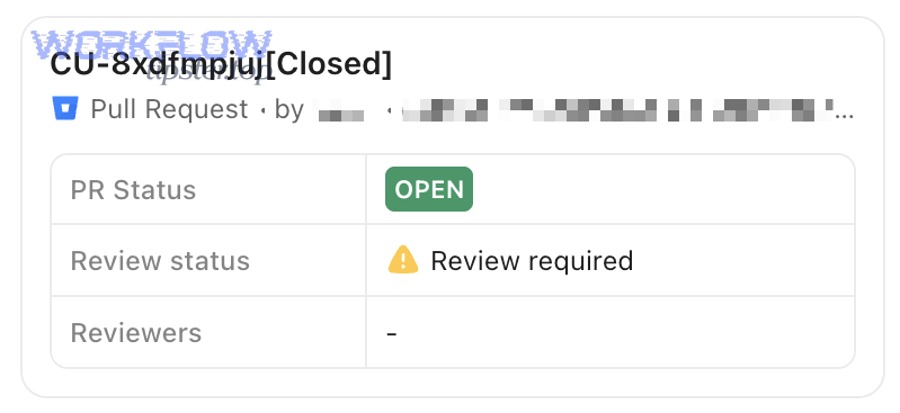
What are the core integration components: auth, repo connection, triggers, and actions?
The core components are authentication (who can connect), repository-to-Space connection (where links appear), triggers (which events matter), and actions (what changes in ClickUp).
Next, treat each component as a “gate” you must pass to get reliable outcomes:
- Authentication & permissions
- Decide who is allowed to connect repos (usually Workspace owners/admins).
- Ensure Bitbucket permissions match the repos your team expects to link. (help.clickup.com)
- Repo ↔ Space connection
- Connect each Bitbucket repository to the ClickUp Space that contains the tasks your team will reference.
- Confirm that the tasks you care about are actually in that Space .
- Triggers
- PR opened
- PR merged
- Commit pushed
- Branch created
- (Optionally) build status events if you route them through an automation layer
- Actions
- Attach PR/commit/branch to task
- Post a comment in ClickUp
- Update status (carefully)
- Notify watchers/assignees
A high-authority integration guide doesn’t just list these—it explains that repo ↔ Space mapping is the most common hidden dependency behind “why isn’t it working?”
What outcomes should dev teams expect: visibility, notifications, and status movement?
Dev teams should expect clearer visibility (code work attached to tasks), fewer “where is this?” pings via targeted notifications, and optional status movement when rules are defined precisely. (help.clickup.com)
Then, make outcomes concrete so the team can measure success:
- Visibility: A ClickUp task shows linked PR(s) and commit(s), so PMs and QA can see progress without opening Bitbucket.
- Accountability: The task becomes the “conversation anchor” instead of scattered Slack threads and ad-hoc comments.
- Cycle time reduction: Less time spent re-explaining context and re-sharing links.
Evidence: According to a study by the University of California, Irvine from the Department of Informatics, in 2008, researchers found that interruptions significantly impact work patterns and contribute to stress and faster task switching in knowledge work. (ics.uci.edu)
Which setup path should you use: native ClickUp integration or automation tools?
Native ClickUp integration wins in simplicity, automation tools are best for complex multi-step workflows, and hybrid setups are optimal when you want official linking plus customized rules for specific team outcomes. (help.clickup.com)
However, the “best” choice is not about features—it’s about governance: who maintains it, who debugs it, and how easily the team can trust it.
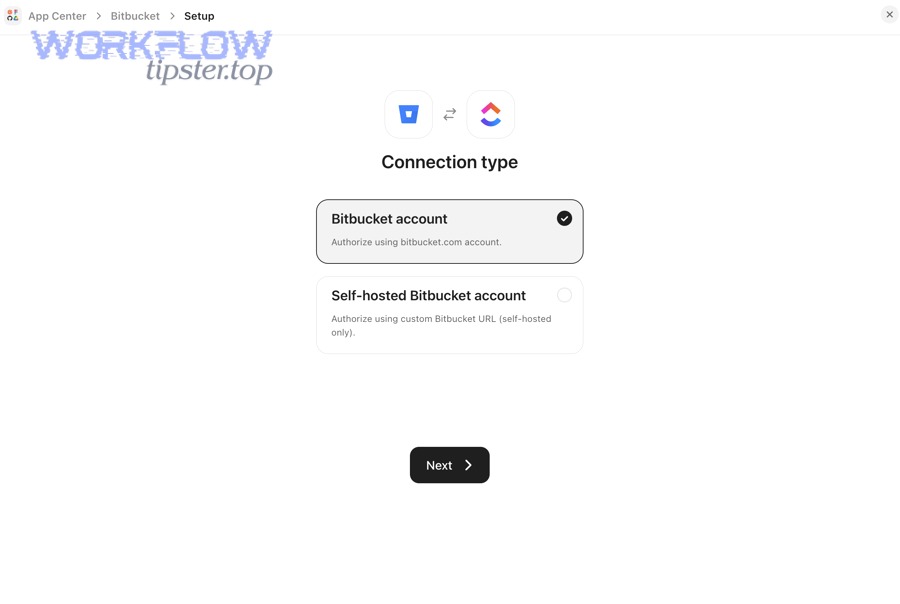
How does native ClickUp–Bitbucket integration compare to no-code automation platforms?
Native integration is best for fast repo-to-task linking, while no-code automation platforms are best for flexible triggers, field mapping, and cross-app workflows that go beyond basic linking.
To illustrate the trade-off clearly, here’s a decision table that shows what each approach typically optimizes. This table contains the most common criteria teams use when choosing between native linking and broader Automation Integrations so you can select the path that matches your workflow constraints.
| Criterion | Native ClickUp ↔ Bitbucket | No-code automation platform |
|---|---|---|
| Setup speed | Fast | Medium |
| Dev artifact linking (PR/commit/branch) | Strong | Depends on connector depth |
| Field mapping (custom fields, tags, assignees) | Limited | Strong |
| Multi-app workflows | Limited | Strong |
| Maintenance burden | Low | Medium–High |
| Governance/audit needs | Medium | Varies by vendor |
| Risk of automation loops | Low | Medium–High (if misdesigned) |
The key point is not “native vs tool.” The key point is linking vs syncing:
- Linking attaches Bitbucket artifacts to tasks.
- Syncing changes fields, statuses, and ownership—powerful, but riskier.
If you already run workflows like “PR merged → notify QA → create checklist → update sprint board,” you’re likely in automation-platform territory.
When is two-way sync worth it vs one-way updates?
One-way updates are safest for most teams, two-way sync is worth it only when ownership rules are strict, and hybrid sync is optimal when code events update ClickUp but ClickUp changes do not automatically rewrite code-side states.
Meanwhile, this is the simplest “rule of trust”:
- If the system can change status, it can change truth.
- So only allow two-way sync when the team agrees on:
- A single source of truth for each field
- A clear owner for exceptions
- A fallback process when automation fails
A practical recommendation for dev teams is:
- One-way (Bitbucket → ClickUp) for PR/commit visibility and task comments
- Controlled status updates only on specific events (e.g., PR merged)
- Manual review for changes that affect planning (priority, due date, sprint)
How do you set up ClickUp to Bitbucket integration step-by-step?
Use the native connection in 5 steps—confirm permissions, connect the repo to the correct Space, apply a consistent task-ID linking convention, run a test PR, and verify task-level links—so dev artifacts attach automatically to ClickUp work. (help.clickup.com)
Next, treat setup like a deployment: you don’t “turn it on,” you validate it with a repeatable checklist.
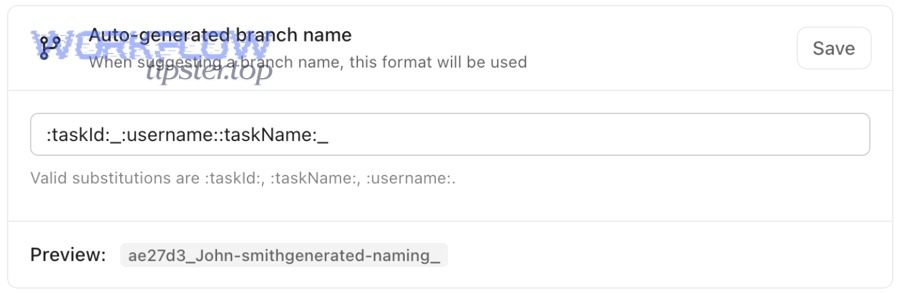
What prerequisites and permissions do you need before connecting?
You need ClickUp Workspace-level permission to configure integrations, Bitbucket access to the target repositories, and a clear mapping of which ClickUp Space will host the linked tasks for each repo. (help.clickup.com)
Then, make the prerequisites explicit so you avoid “half-connected” states:
- ClickUp side
- Confirm who is allowed to connect integrations (often Workspace owners/admins). (help.clickup.com)
- Identify the Space(s) that represent the team’s work (Frontend, Backend, Platform, etc.).
- Decide whether tasks live in one canonical list or multiple lists (this affects where linking “lands”).
- Bitbucket side
- Confirm you can view the repo, PRs, and branches you intend to link.
- Confirm the team uses consistent naming conventions (or agrees to adopt them).
- Process side
- Decide the minimum standard: “Every PR references a ClickUp task ID.”
- Decide what “done” means: linked PR + merged + ClickUp status updated (optional).
A good integration is not an IT artifact; it’s a behavior system.
How do you verify the integration is working with a test commit/PR?
Verify it by creating a ClickUp task, referencing its task ID in a new branch and PR in Bitbucket, and confirming the task shows linked Bitbucket work (commit/branch/PR) after the repo is connected to that Space. (help.clickup.com)
Below is a clean test protocol you can run in 10–15 minutes:
- Create a ClickUp task in the target Space (example ID: CU-1234).
- Create a Bitbucket branch like feature/CU-1234-integration-test.
- Commit with message: CU-1234 Add integration test commit.
- Open a PR titled: [CU-1234] Integration test PR.
- Check ClickUp task for linked development activity. (help.clickup.com)
If the task does not show links:
- First suspect Space mapping (wrong Space connected).
- Second suspect permissions (repo not accessible).
- Third suspect naming convention (task ID not recognized consistently).
You can optionally watch a walkthrough to compare your setup steps with a working example:
What should you automate first (and what should stay manual)?
There are 2 practical categories—high-ROI automations and high-risk automations—and you should automate linking/visibility first, keep planning-critical changes manual, and only automate status changes when rules are explicit and reversible.
Besides preventing “automation fatigue,” this approach protects the antonym in the title: you become automated, not chaotic.
Which automations give the highest ROI for dev teams?
There are 5 high-ROI automations: PR-to-task linking, “PR opened” task comments, “PR merged” status changes, merge notifications to QA, and lightweight checklists that standardize handoff steps. (help.clickup.com)
Specifically, these are the safest wins because they reduce repetitive communication without rewriting planning decisions:
- PR opened → attach link to ClickUp task
- Creates immediate visibility for PMs and reviewers.
- PR opened → comment with a short status note
- Example: “PR opened; review requested; blocking issue: none.”
- PR merged → update task status (optional)
- Only do this if your team uses a stable status taxonomy (e.g., “In Review,” “Ready for QA,” “Done”).
- PR merged → notify QA / tester
- Avoid broadcast notifications; notify only the role that needs it.
- PR merged → add a short checklist
- Example checklist: “QA notes added,” “feature flag set,” “release note drafted.”
These automations produce compounding returns because they lower coordination costs across every sprint.
Which actions should remain manual to avoid noisy or risky updates?
You should keep these actions manual: changing priority, rewriting due dates, reassigning ownership automatically, mass status flips without review, and auto-creating tasks from every commit—because they increase noise and can distort planning decisions.
More importantly, most “integration hate” comes from automations that feel like spam:
- Auto-assigning based on PR author can break ownership when PRs are opened on behalf of someone else.
- Auto-updating due dates can create constant churn that makes timelines meaningless.
- Creating a task from every commit inflates backlogs with low-value artifacts.
A reliable mental model is:
- Automate evidence (links, references, visibility).
- Be cautious automating decisions (priority, scheduling, scope).
If your organization runs multiple workflow streams (documentation, release management, customer requests), you may also be coordinating other pipelines like google docs to gitlab or google drive to smartsheet—and the same rule applies: automate evidence first, keep decisions human-owned until you have stable governance.
How do you prevent duplicate updates and noisy notifications?
Prevent duplicates and noise by using one event-to-one action rules, applying deduplication logic (or single-source linking patterns), and restricting notifications to role-based audiences instead of broadcasting every dev event to everyone.
Then, once duplicates disappear, trust rises—and when trust rises, adoption rises.
How do you design rules so one event creates one update (no duplicates)?
Design rules for idempotency: one trigger, one pathway, one output—so the same PR event cannot create multiple ClickUp updates across overlapping automations.
To illustrate what causes duplicates, here are the most common patterns:
- Overlapping triggers: “PR opened” and “branch created” both post updates for the same work.
- Multiple automations watching the same repo: team-level and org-level rules both fire.
- Retry behavior: a webhook retries after a timeout, creating the same update twice.
A practical “dedupe checklist” is:
- Use one canonical trigger for each outcome (e.g., only PR events create task comments).
- Ensure your automation can detect: “Has this PR link already been posted?”
- Prefer linking once and updating the same thread rather than posting new comments repeatedly.
If you use an automation platform, look for features like:
- “Do not create if already exists”
- “Find task by ID first”
- “Update existing record” vs “create new record”
How do you reduce noise while keeping high-signal visibility?
High-signal systems use targeted notifications, event filtering, and digest-style summaries; low-signal systems notify everyone about everything, which trains teams to ignore important updates.
On the other hand, “silencing everything” is also a mistake—because visibility is the reason you integrated in the first place.
A balanced approach looks like this:
- Notify developers when review is requested or a build fails.
- Notify PMs when PR is opened (only if it impacts scope/timeline) and when merged.
- Notify QA when merged into a QA branch or “Ready for QA” status is reached.
- Use digests (daily/standup) for informational updates rather than real-time spam.
A practical workflow:
- Real-time notifications only for blocking events (review needed, failed checks).
- Digest notifications for progress events (PR opened, commits pushed).
This is how Automation Integrations stay helpful instead of becoming background noise.
What are common integration problems and how do you fix them?
There are 6 common problems—wrong Space mapping, missing permissions, inconsistent task IDs, delayed webhook events, duplicate rules, and unclear “source of truth”—and you fix them by validating Space-to-repo alignment, tightening conventions, and simplifying triggers. (help.clickup.com)
Next, treat troubleshooting like debugging a pipeline: check the highest-probability failure points first.
Why don’t repositories or PR links show up in ClickUp after connecting?
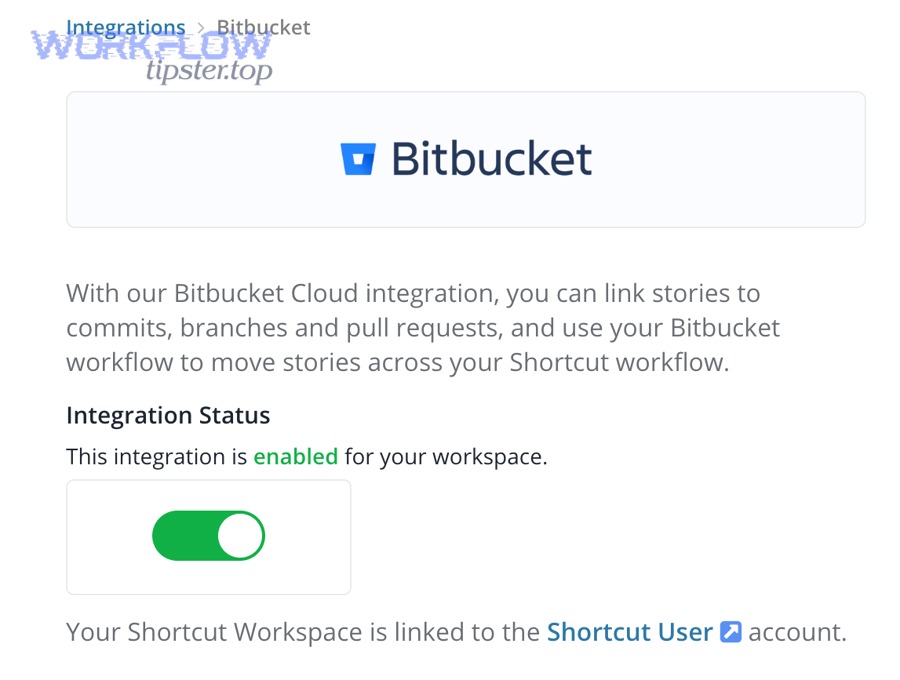
Repos or PR links usually don’t show up because the Bitbucket repo is connected to the wrong ClickUp Space, the connector lacks permissions, or the task you’re testing is not in the Space that has the connected repo. (help.clickup.com)
Specifically, ClickUp’s integration language highlights Space-level connections: if the Space is not the one your task belongs to, the linking outcome will feel “random” even when the integration is technically enabled. (help.clickup.com)
A fast fix checklist:
- Confirm you connected the repo to the correct Space.
- Confirm the task you’re testing is actually in that Space.
- Confirm your Bitbucket account can see the repo and PRs.
- Confirm the PR/branch/commit includes the task ID in a consistent format.
- Re-run the test protocol with a fresh PR.
If your team uses multiple lists and cross-list tasks, be strict about where tasks “live” for integration purposes—otherwise you’ll debug symptoms forever.
What should you check if updates are delayed or intermittent?
If updates are delayed or intermittent, check event volume, rate limits, webhook retry behavior, overlapping rules, and whether your automation is depending on external systems that sometimes time out.
Moreover, intermittent issues often happen when teams scale:
- A single repo becomes many repos.
- A few PRs become hundreds per week.
- A simple “post comment” becomes multiple chained actions.
A stability checklist:
- Reduce steps: fewer actions per trigger = fewer failure points.
- Filter events: don’t trigger on every commit if you only need PR-level visibility.
- Avoid loops: don’t let ClickUp changes trigger Bitbucket changes unless governance is strict.
- Monitor failures: if you use an automation platform, review error logs weekly.
If you can’t identify the cause quickly, temporarily revert to the most reliable baseline:
- Keep native linking for visibility.
- Disable nonessential status automations.
- Reintroduce changes one at a time.
How do you optimize ClickUp ↔ Bitbucket automation for advanced teams?
Optimize advanced ClickUp ↔ Bitbucket automation by standardizing multi-repo conventions, enforcing least-privilege security, designing loop-proof rules with deduplication, and measuring integration health with KPIs so the system stays reliable as volume grows. (help.clickup.com)
In addition, advanced teams treat the integration as a living system: they iterate, document rules, and audit outcomes.
How do you handle multi-repo workflows and keep links consistent across teams?
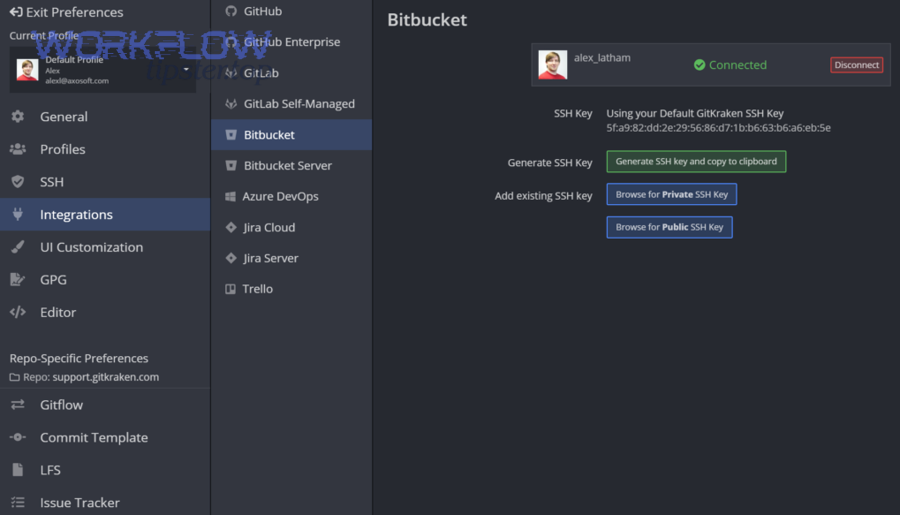
Handle multi-repo workflows by using one naming standard for task IDs, mapping repos to the correct Spaces by ownership, and documenting a single “definition of linked work” so every team links PRs the same way. (help.clickup.com)
Then, make consistency visible in your process docs and templates:
- Repo taxonomy
- frontend-* repos map to Frontend Space
- backend-* repos map to Backend Space
- platform-* repos map to Platform Space
- Branch & PR templates
- A PR template that includes “ClickUp Task ID”
- A checklist: “Task linked? Reviewer assigned? QA notes included?”
- Cross-team rules
- If a PR affects multiple teams, link it to the primary owner’s task, and reference secondary tasks in the PR description (not as separate automation triggers).
This prevents the “one PR updates five tasks” explosion that destroys trust.
How do you manage security and least-privilege access for the integration?
Manage security by limiting who can connect integrations, granting only the minimal repo scope required, reviewing access quarterly, and documenting a revocation plan so you can quickly remove access if credentials are compromised. (help.clickup.com)
Specifically, advanced teams do four things:
- Role-based integration management
- Only admins connect and modify integrations.
- Least-privilege permissions
- If a connector only needs read access for linking, don’t grant write access.
- Audit and ownership
- Maintain an “integration owner” list (who can change rules).
- Credential hygiene
- Rotate tokens/keys when team membership changes or vendors change.
Security is not separate from productivity—an insecure integration will eventually get disabled, which brings you back to manual linking.
How do you prevent automation loops and event replay duplicates at scale?
Prevent loops and duplicates by defining a single source of truth per field, making status updates one-directional, and designing idempotent rules that can safely re-run without creating new records or repeated comments.
More specifically, use this “loop-proof” architecture:
- Bitbucket owns: code events (PR opened/merged, commits)
- ClickUp owns: planning fields (priority, due dates, sprint)
- Automation owns: linking, comments, lightweight status transitions (only at milestones)
For replay resistance:
- Treat PR ID + repo name as a dedupe key.
- Update an existing ClickUp comment/thread rather than posting new ones.
- Avoid multiple rules that trigger on the same PR lifecycle stage.
This is the difference between an integration that scales and one that collapses under its own complexity.
How do you measure whether the integration is working (KPIs + QA checks)?
Measure it with 6 KPIs: link coverage rate, PR-to-task compliance, update latency, duplicate rate, notification noise ratio, and adoption consistency across teams—then run a monthly QA audit to catch drift.
To sum up, a reliable integration is measurable—otherwise you’re relying on vibes.
- Link coverage rate: % of merged PRs linked to a ClickUp task
- Compliance: % of PR titles containing a task ID
- Latency: median time from PR event to ClickUp visibility
- Duplicates: number of repeated comments/updates per PR
- Noise ratio: notifications sent vs notifications acted upon
- Adoption drift: which repos/teams are not following conventions
A lightweight QA audit can be:
- Sample 20 merged PRs
- Check if each is linked to a ClickUp task
- Verify the task status and comments match expected outcomes
- Record failures and update your rule documentation
When your team runs other pipelines—like google docs to gitlab documentation workflows or google drive to smartsheet reporting flows—the same KPI logic helps you keep systems trustworthy: measure linkage, latency, and noise, then improve the rule design.
In short: Connect the repo to the right ClickUp Space, adopt a clear task-ID convention, validate with a test PR, automate only the highest-confidence workflows first, and control duplicates/noise with simplified triggers and strong governance. (help.clickup.com)