


Delayed Slack tasks usually mean your automation work is spending more time waiting in a queue than being executed, so actions that should feel real-time arrive late, out of order, or get retried. The fastest path to “real-time again” is to identify where the backlog forms (Slack platform queue vs. your endpoint vs. your worker/DB) and then drain it safely without creating duplicates.
Next, you’ll learn why backlogs grow suddenly—especially when requests time out and the platform starts retrying—plus how to read the built-in signals that tell you whether the delay is upstream (Slack) or downstream (your app/workflow).
Then, you’ll get a practical diagnostic + recovery playbook: measure ingest rate vs. processing rate, estimate drain time, throttle safely, and use idempotency so retries don’t create double posts or double updates.
Introduce a new idea: once the backlog is cleared, the real win is preventing recurrence with better acknowledgment patterns, queue design, and governance so your workflows stay predictable even at peak load.
What does “Slack tasks delayed” mean in a queue/backlog context?
“Slack tasks delayed” means an automation-triggered action (message, workflow step, webhook post, event-driven job) is being processed later than expected because work items are accumulating faster than they can be completed—creating a queue backlog that adds waiting time before execution.
To better understand the delay, it helps to separate where time is being spent: in Slack’s delivery queue, on your request handler, or in your own worker pipeline.
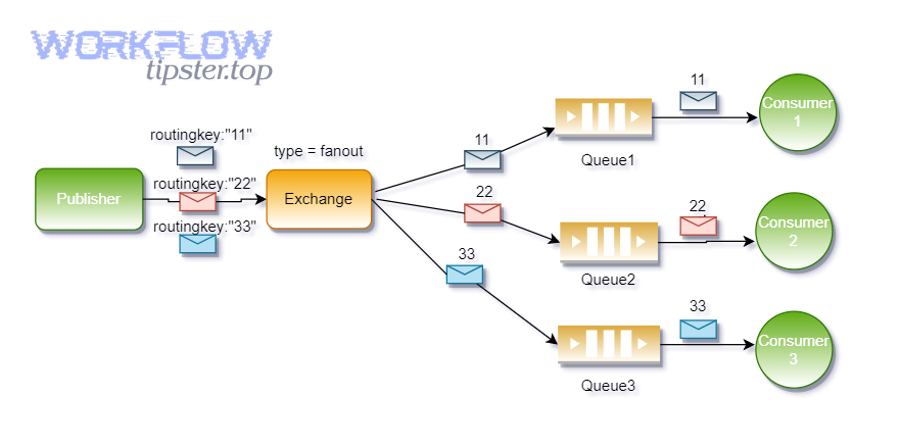
What is the difference between task delay, queue delay, and delivery delay?
Task delay wins in user impact (what people feel), queue delay is best for diagnosing system pressure (waiting time), and delivery delay is optimal for identifying transport/platform bottlenecks (when the event or webhook arrives late).
However, these three “delays” often get mixed together in Slack automation:
- Task delay (symptom): A workflow step or bot action happens late in the channel (users notice).
- Queue delay (cause): The work item sits waiting to be processed because capacity is insufficient.
- Delivery delay (entry lag): The trigger (event/webhook/workflow invocation) arrives late to your system or is retried.
Practically, you treat them differently:
- If delivery delay is high, check platform incidents and delivery rules first.
- If queue delay is high, check throughput, concurrency, rate-limits, and retry storms.
- If task delay is high, check business logic, slow downstream APIs, and database locks.
Which Slack features can be impacted by queue backlogs?
There are 5 main types of Slack surfaces impacted by queue backlogs—based on where the work enters and how it must be acknowledged: (1) Events delivery, (2) Slash commands, (3) Incoming webhooks, (4) Workflow steps, (5) Connector/automation actions.
More specifically, each surface has its own “time sensitivity”:
- Events delivery (subscriptions) can be retried with backoff when your server times out.
- Slash commands can show user-facing timeouts if you don’t acknowledge fast enough.
- Incoming webhooks can fail (and you may retry) when requests are malformed or restricted.
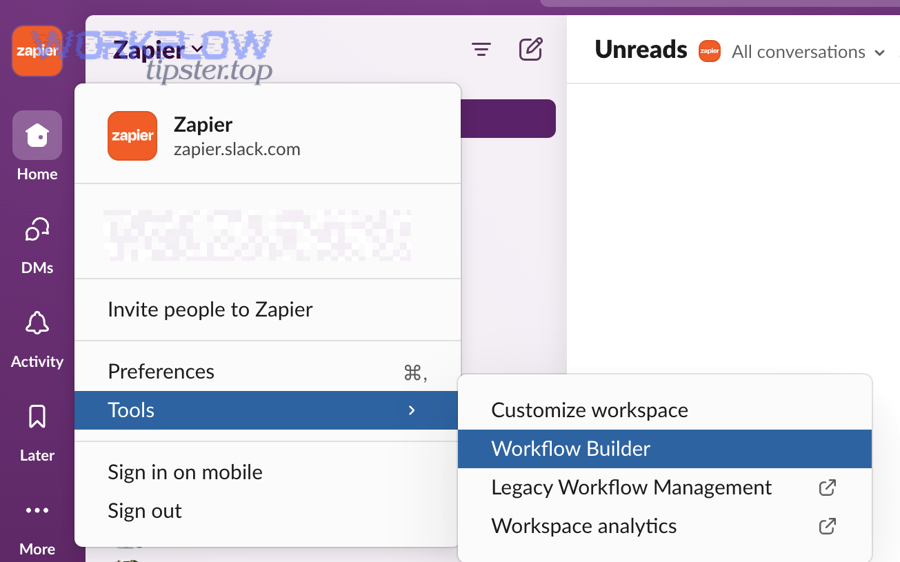
- Workflow steps can be intentionally delayed (e.g., a delay step) or delayed by downstream service capacity.
- Rate-limited app events can throttle delivery, making it look like the system is “stuck” when it’s actually pacing you.
When is a delay normal versus a sign of a backlog problem?
Normal delay wins in expected scheduling (intentional waits), backlog delay is best for capacity mismatch (growth over time), and incident delay is optimal for upstream disruption (sudden step-changes across many workflows).
For example:
- Normal: You used a delay step, or you run “batch” workflows every 15 minutes. In Slack automation, a delay function can intentionally wait up to 7 days.
- Backlog problem: Delays increase steadily, then spikes appear during peak hours; retries increase; drain time becomes measurable (minutes → hours).
- Slack incident: Many unrelated automations slow down simultaneously, especially event delivery to apps; Slack status may mention paused queues/backlogs.
Evidence: According to a study by MIT Computer Science and Artificial Intelligence Laboratory from Communications of the ACM, in 2018, queueing-theoretic models show tail latency grows rapidly as load approaches service capacity—so “a little more traffic” can create “a lot more waiting.”
Why does a Slack task queue get delayed or backlogged?
A Slack task queue gets delayed when arrival rate exceeds processing capacity somewhere in the pipeline—often amplified by timeouts, retries, rate limits, and slow downstream dependencies that turn a brief slowdown into a growing backlog.
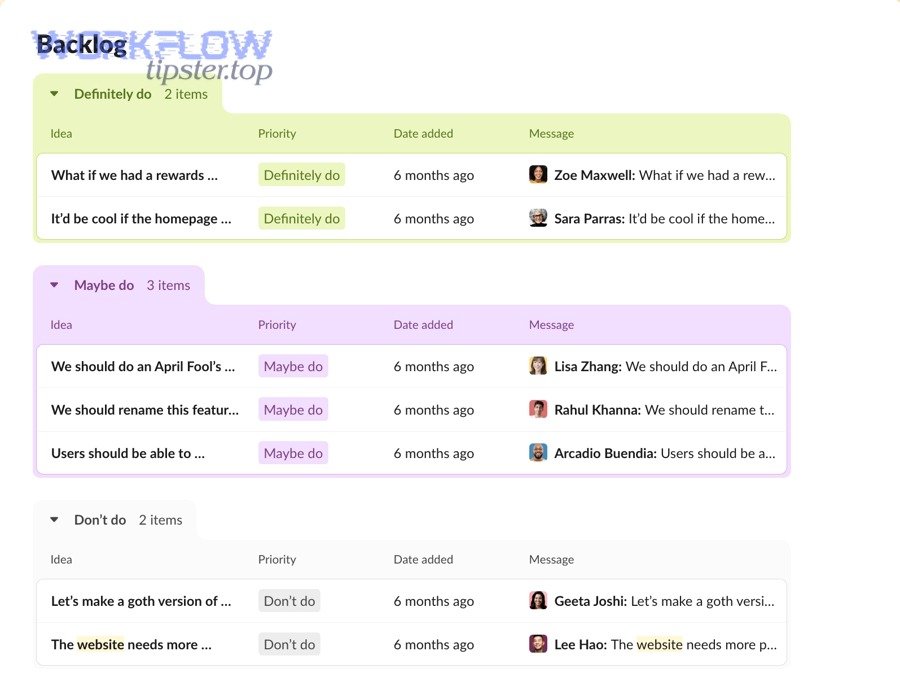
Next, you should decide whether the backlog is upstream (Slack delivery) or downstream (your handlers/workers), because the fixes differ.
Is the delay caused by Slack platform incidents or your app/workflow?
Yes, the delay can be caused by Slack platform incidents, your app/workflow performance, or external dependencies—and you can tell by (1) broad impact across integrations, (2) delivery/retry headers, and (3) correlation with status incidents.
However, here’s the simplest decision rule:
- If many different apps/workflows delay at once, suspect upstream (platform).
- If only one app/workflow delays, suspect your endpoint/worker or a single downstream API.
- If delays align with retry headers and timeouts, suspect acknowledgment latency.
Slack has documented cases where the Events API queue was paused and incoming requests were placed into a backlog, then later re-enabled and drained.
How do retries and timeouts amplify a backlog?
Retries and timeouts amplify backlog because they multiply work items: one slow request becomes two, then three, while workers are already overloaded—so the queue grows faster and drains slower.
For example, the Events API describes retries with exponential backoff and explicitly notes a timeout condition when your server takes longer than 3 seconds to respond; those retries count against failure limits. Similarly, slash commands require a fast acknowledgment; missing the window creates a user-visible timeout and often prompts teams to “retry manually,” adding even more pressure.
A practical implication: late acknowledgments are more dangerous than slow background work. You can be slow after you ack, but you can’t be slow before you ack without triggering retry behavior.
Which bottlenecks commonly create a backlog?
There are 6 main bottleneck types that create Slack automation backlogs—based on the constraint they hit: (1) acknowledgment latency, (2) worker concurrency, (3) rate limits, (4) downstream API slowness, (5) database contention, (6) payload/schema failures.
More importantly, each bottleneck has a tell:
- Ack latency: spikes in 3-second timeouts; rising retry counts.
- Worker concurrency: CPU pegged, queue depth rising, but inbound steady.
- Rate limits: throttled event delivery and paced processing.
- Downstream slowness: external CRM/DB calls dominate time; your queue grows during third-party incidents.
- DB contention: locks, slow queries, or hot partitions; retries make it worse.
- Payload/schema failures: repeated failures create “poison messages” that keep retrying and clogging the line.
Evidence: According to a study by Carnegie Mellon University from the Computer Science Department, in 2021, modern systems optimize for tail probabilities and inevitably “deal with queues,” meaning small shifts in scheduling or load can disproportionately affect tail response times and perceived delays.
How can you diagnose where the backlog is in Slack automation?
You can diagnose backlog location by combining surface signals (Slack delivery behavior, headers, status incidents) with system signals (queue depth, worker throughput, latency percentiles) to pinpoint whether delay is upstream, at the edge, or inside your workers.
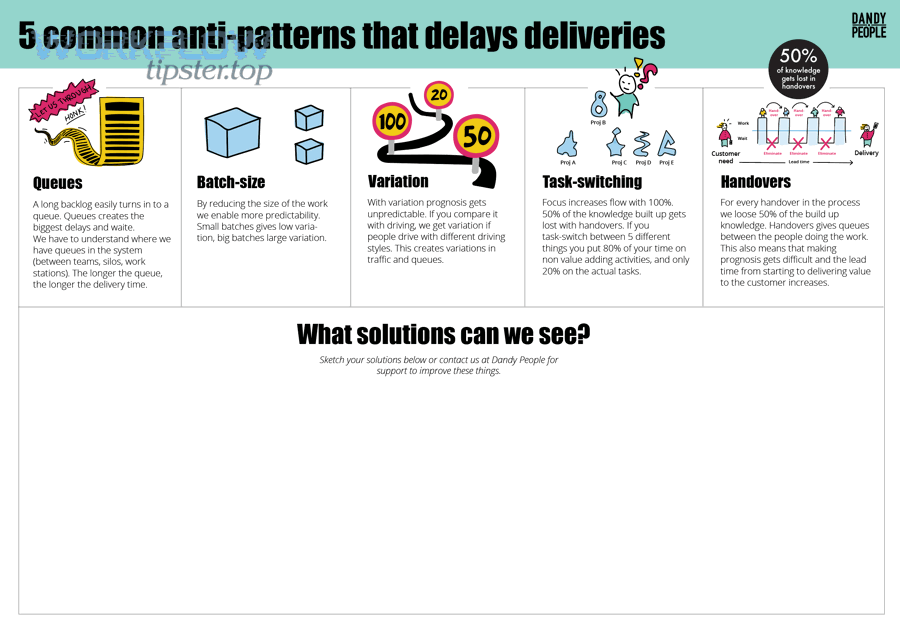
Then, treat diagnosis like a funnel: confirm upstream health → confirm acknowledgment health → confirm queue math.
What signals in Slack show delayed processing?
There are 4 main signal groups that indicate delayed processing—based on what layer reports them: (1) platform status/backlog notes, (2) delivery retry headers, (3) user-visible timeouts, (4) rate-limit events.
Specifically, watch for:
- Status notes about backlogs/paused queues for Events API and other surfaces.
- Retry headers like
x-slack-retry-numandx-slack-retry-reasonindicating timeouts or HTTP errors. - Slash command timeouts when you don’t ack within 3 seconds.
- App rate limited events that signal Slack is pacing deliveries.
To make this concrete, the table below maps common symptoms to the most likely backlog location.
| Symptom you see | Most likely backlog location | What to check next |
|---|---|---|
| Multiple apps/workflows delayed at once | Upstream/platform | Status incident notes; recovery timeline |
Retry reason = http_timeout |
Your edge handler too slow | Ack path latency; move work async |
| User sees slash command “timeout” | Ack missed | Ack immediately, use async response_url |
You receive app_rate_limited |
Slack pacing deliveries | Throttle workers; reduce event volume |
How do you instrument your app endpoints for latency and retries?
Instrument endpoints by adding 3 measurement layers—request timing, retry visibility, and queue correlation—so you can see whether delays come from processing, waiting, or re-deliveries.
To begin, focus on the “ack path”:
- Log time-to-ack separately from time-to-complete.
- Capture retry headers (for Events API deliveries) and store:
x-slack-retry-numx-slack-retry-reason
- Tag each work item with a stable idempotency key so a retry doesn’t become a duplicate action later.
Then, add queue correlation:
- Record when an item is enqueued and when it is dequeued.
- Compute queue wait time = dequeue_time − enqueue_time.
- Compute service time = completion_time − dequeue_time.
If queue wait time grows while service time stays flat, you have a capacity mismatch. If service time grows, you likely have a slow dependency.
How do you estimate backlog size and drain time?
Estimate backlog size and drain time empirically using arrival rate vs. service rate: backlog drains when throughput exceeds intake, and drain time ≈ backlog / (service_rate − arrival_rate).
More specifically:
- Measure arrival_rate: items/min entering your system (events, commands, workflow steps).
- Measure service_rate: items/min your workers complete successfully.
- Measure success_rate: failures create retries and inflate arrival_rate.
- Compute net_drain_rate = service_rate − arrival_rate.
- Compute drain_time = backlog_depth / net_drain_rate.
If net_drain_rate is near zero, you can “work forever” and never catch up—so you must change capacity, reduce intake, or both.
Evidence: According to a study by Stony Brook University from the PACE Lab, in 2019, request latency splits into service time and waiting time, and queueing models show variability and waiting time drive real-world latency—exactly what a backlog turns into.
How do you clear or drain a delayed Slack queue safely?
You clear a delayed Slack queue safely by stabilizing intake, acknowledging fast, and increasing processing throughput while enforcing idempotency so retries and duplicates do not corrupt state or spam channels.
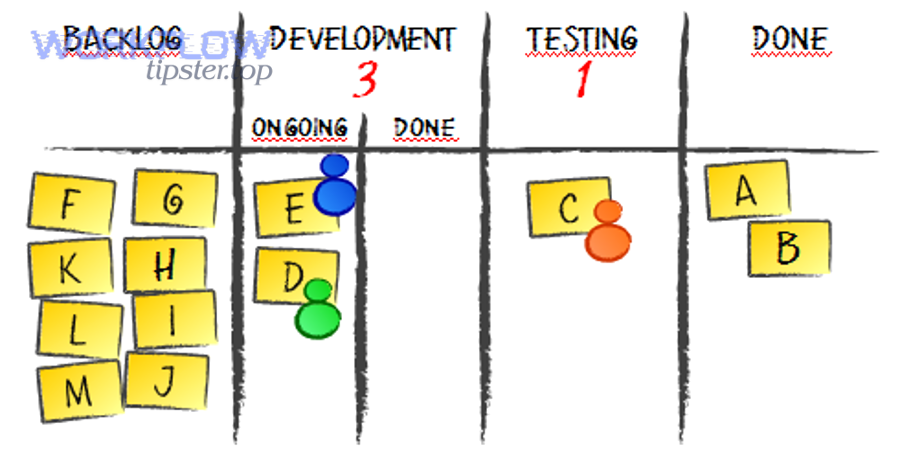
Below, the priority is “stop the bleeding” first, then drain, then reconcile.
What is the fastest safe ‘stop the bleeding’ playbook?
The fastest safe playbook has 5 steps: (1) confirm upstream incident status, (2) protect the ack path, (3) shed nonessential work, (4) throttle intake, (5) preserve observability.
Then execute in this order:
- Check platform status for backlog/paused queues if symptoms are widespread.
- Ack immediately (within the 3-second window where relevant) and move work to async processing.
- Temporarily disable high-cost actions (heavy file processing, large fan-out posting) to reduce service time.
- Cap concurrency at safe levels so you don’t DDoS your own DB or downstream APIs.
- Keep logs + tracing on, because turning off visibility during a backlog makes recovery slower and riskier.
If your server is failing under event deliveries, Slack also documents a “no retry” header you can use in non-200 responses to stop repeated redelivery for specific requests.
How do you increase throughput without causing duplicate actions?
Increase throughput without duplicates by using idempotency keys, deduplication stores, and exactly-once effects (even if deliveries are at-least-once).
However, backlog conditions almost always come with retries, so duplicates are not hypothetical—they’re expected:
- Events API retries can happen after timeouts and certain HTTP errors.
- Teams also manually re-run workflows when they “seem stuck,” producing duplicates from the human side.
So, implement a safe pattern:
- Derive a stable idempotency key from the event’s unique identifiers (event_id, workflow_run_id, trigger_id—whatever applies in your pipeline).
- Store “seen keys” with TTL long enough to cover retry windows.
- If seen, skip side effects (posting, ticket creation, DB writes) or turn them into “update existing” actions.
This is where Slack Troubleshooting becomes operational: you’re not just fixing delays—you’re preventing backfill chaos.
How do you recover stuck items and prevent data loss?
Recover stuck items by replaying from a durable source, quarantining poison messages, and reconciling side effects with audit logs so you don’t lose tasks or double-apply changes.
More specifically:
- Quarantine poison messages: if a payload fails repeatedly (schema mismatch, permission issue), move it aside so it doesn’t clog the queue.
- Replay safely: reprocess quarantined items after fixing root cause, with idempotency on.
- Reconcile outcomes: compare “should have happened” (events received) vs. “did happen” (messages posted, records updated).
When the platform itself accumulates backlog, Slack has documented that Events API requests can be placed into a backlog while queues are paused and then later re-enabled. Your system should treat this as a burst of delayed events and remain stable during catch-up.
Evidence: According to a study sponsored by King Abdullah University of Science and Technology and published at OSDI in 2023, Flux identified idempotence-violating operations in real serverless apps and showed that verifying idempotence can reduce data consistency risks under retries—exactly the failure mode that backlog recovery triggers.
How do you prevent Slack task delays from coming back?
You prevent Slack task delays by designing for fast acknowledgments, bounded queues, and predictable tail latency, then adding SLOs + alerts + governance so backlog growth is detected early and drained before users feel it.
In addition, prevention is where you pick your long-term “real-time” posture: keep work lightweight in Slack, or push heavy work to dedicated systems and only report outcomes back.
What design patterns reduce queueing and tail latency?
There are 5 main patterns that reduce queueing and tail latency—based on how they cut waiting time: (1) ack-fast + async, (2) bulkhead queues, (3) adaptive throttling, (4) circuit breakers, (5) load-shedding.
More importantly:
- Ack-fast + async: acknowledge within platform windows; do heavy work later. This directly avoids timeout-triggered retry pressure.
- Bulkheads: split critical workflows from noncritical ones so a noisy workflow can’t starve everything else.
- Adaptive throttling: reduce concurrency when downstream slows, instead of piling up failures.
- Circuit breakers: stop calling a failing dependency to avoid turning every item into a slow failure.
- Load shedding: drop or defer nonessential actions to protect the core workflow.
How do you set SLAs/SLOs and alerts for Slack automation?
Set SLAs/SLOs with 3 measurable targets: time-to-ack, end-to-end completion time, and backlog depth—then alert on their leading indicators (retry rates, error rates, drain-time estimates).
Then connect them to what users care about:
- SLO 1 (Ack): 99% of requests acknowledged within the platform window (e.g., 3 seconds where required).
- SLO 2 (Completion): 95% of actions complete within X minutes.
- SLO 3 (Backlog): backlog depth < N, or drain time < Y minutes.
Also, alert on conditions Slack explicitly documents:
- Retry reasons like
http_timeoutindicate your ack path is too slow. - Failure limits can temporarily disable event subscriptions if you are failing most deliveries.
What workflow governance keeps backlogs under control?
Workflow governance keeps backlogs under control by limiting uncontrolled fan-out, standardizing schema/mapping, and separating “business-critical” from “nice-to-have” automations so capacity is reserved for what matters.
Specifically, governance practices that prevent recurrent backlogs:
- Owner + runbook per workflow: a named maintainer and a defined “pause/drain/recover” procedure.
- Change control for high-volume workflows: review before adding new triggers or message fan-out.
- Schema discipline: consistent fields and variables so changes don’t create failure loops.
- Capacity budgets: per-workflow limits so one workflow can’t consume all worker time.
Contextual Border: You’ve now covered the macro system—what delays mean, why they happen, how to diagnose, drain, and prevent. Next, we shift into micro-level edge cases that often surface during backlog incidents.
Evidence: According to a study by MIT Computer Science and Artificial Intelligence Laboratory in 2018, tail latency is the real constraint for interactive systems, and queueing theory provides first-order insight into why keeping utilization away from saturation is essential for predictable responsiveness.
What advanced Slack Troubleshooting cases look like
Advanced Slack Troubleshooting cases are the “gotchas” that appear when your queue is already stressed: permissions errors, field mapping breakage, and retry/idempotency mismatches that turn a backlog into a correctness incident.
Next, treat these as backlog multipliers: each one can turn one queued item into many.
What does “slack webhook 403 forbidden” mean during backlog events?
“slack webhook 403 forbidden” means Slack rejected your incoming webhook request due to an authorization or policy restriction, and during backlog conditions it often creates repeated failures that consume capacity and slow draining.
However, the key is that 403 is not a “try harder” signal—it’s often a “fix configuration” signal:
- Validate the webhook is allowed in that context; Slack has documented 403 “action_prohibited” for incoming webhooks.
- Check whether the workspace/channel has posting restrictions that suddenly matter under policy changes.
- Stop automatic retries until you correct the permission issue, or you’ll keep feeding the queue with guaranteed failures.
How do you fix “slack field mapping failed” in workflow steps?
You fix “slack field mapping failed” by validating variable availability, matching field schema types, and reauthorizing connector steps so the workflow engine can bind inputs to expected fields without nulls or type mismatches.
More specifically, this error is common when:
- A previous step’s output variable changed (renamed field, removed option).
- A connector app token lost access, so a field list can’t be fetched.
- A workflow template was copied between channels/workspaces and the target system differs.
A reliable fix sequence:
- Re-open the workflow and re-select the mapped variables (force refresh).
- Confirm the mapped field types (string vs. number vs. select option).
- Re-auth the connector step and ensure scopes/permissions are intact.
- Run a single test execution and verify outputs before re-enabling high-volume triggers.
How do you handle event retries and idempotency in serverless apps?
You handle event retries and idempotency by acknowledging quickly, processing asynchronously, and using idempotency verification/deduplication so at-least-once delivery does not become at-least-twice side effects.
However, Slack makes retries explicit for Events API deliveries, including retry attempt headers and timeout reasons. In serverless environments (where retries also happen at the platform level), you must assume duplicate invocation and design for it.
A practical pattern:
- Use a durable store keyed by event identifiers to ensure each side effect happens once.
- Separate “validate + enqueue” from “execute side effects.”
- Treat external calls (ticket creation, CRM updates) as idempotent operations where possible.
Evidence: According to a study sponsored by King Abdullah University of Science and Technology and presented at OSDI in 2023, automated idempotence verification identified previously unknown issues in multiple serverless apps, showing why correctness under retries must be engineered—not assumed.
What are pragmatic alternatives when Slack is the bottleneck?
Pragmatic alternatives win in resilience (you keep working), while waiting is best for simplicity (if incident is short), and redesign is optimal for long-term scalability (if load is permanent).
For example:
- Resilience now: degrade gracefully—post summary messages instead of per-item messages, batch updates, and disable noncritical workflows.
- Wait: if Slack status indicates a paused queue/backlog that will be drained after restoration, focus on protecting your own workers for the catch-up burst.
- Redesign: move heavy processing to your own queue/worker system; keep Slack as the trigger and notification layer, not the compute layer.
If you want, paste your current symptoms (where you see the delay, retry headers you observe, and whether it’s Events API, slash commands, Workflow Builder, or incoming webhooks), and I’ll map them to the most likely backlog point and the safest drain plan.